Client login
USD
Client AreaRegister

Shared licenses

MSFE License

MailScanner is an open-source email security system designed to detect and filter viruses, spam, malware, phishing attempts, and harmful HTML content in emails.

  • Genuine, fully featured license
  • Issued and installed in minutes
  • Cancel any time
  • 24/7 support
MSFE License from Hostsawa
  • Genuine license
  • Active in minutes
  • Direct updates
  • 24/7 support

Pricing

MSFE license pricing

Pick the license that matches your server. Prices renew at the same rate and you can cancel at any time.

MailScanner Front-End License

$2.16/month

Order now
  • Immediate and automatic delivery Ability to update from the main server Easy installation of permissions with a simple command Without any interruption Permanent support for any licensing issues Possibility to change the license up to 2 times

Prices are shown in US dollars and exclude any applicable tax.

About the MSFE license

MSFE, an exclusive plugin for cPanel and DirectAdmin, simplifies managing and configuring emails processed by MailScanner.

At Hostsawa we offer cheap mailscanner Front-End shared License for clients across the world. By purchasing an MSFE shared license, you can safeguard your users against potentially harmful emails effectively.

CSP System Latest Version Full access to all features Advanced performance Direct Update Premium support Cancel anytime Key features of MSFE shared license The MSFE shared license. offers key features such as robust system security, continuous and direct updates, 24/7/365 technical support, and an affordable price.

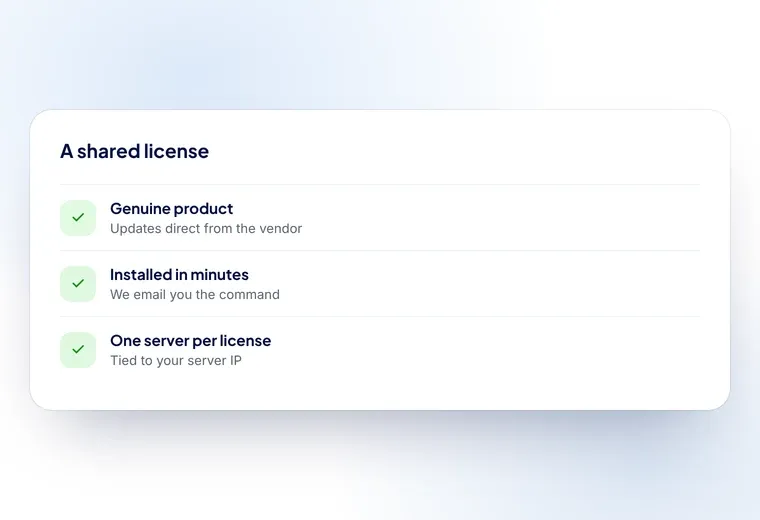
What a shared MSFE license includes: the genuine product, updates direct from the vendor, and installation on one server IP

What you get with a MSFE shared license

  • Genuine licenses

    Every license is genuine and fully activated, with direct updates from the vendor.

  • Installed in minutes

    Send us your server IP and the license is issued and working in minutes, not days.

  • Support around the clock

    Our team is available 24/7, so a license problem never leaves your server waiting.

  • A fraction of the list price

    Shared licensing gives you the full product for far less than buying direct.

MSFE license: frequently asked questions

What is a shared MSFE license?

A shared license gives you the full, genuine MSFE software on your own VPS or dedicated server for a fraction of what the license costs bought direct. Only the license file changes — MSFE itself, its features and its updates are exactly the same.

Is the MSFE license genuine?

Yes. You get the real MSFE product with full access to its features, and updates come straight from MSFE’s own servers rather than from us.

How quickly is my MSFE license activated?

Usually within minutes of your order. We email you an install command to run on your server, and if you would rather we did it, open a ticket and our team will install it for you at no extra cost.

How do I install the MSFE license?

After you order, an install command is emailed to you — paste it into your server’s terminal and the license is applied. You can also open a ticket and we will install it for you free of charge.

Can I replace an existing MSFE license with a shared license?

Yes. Remove the license you have from your current provider first, then apply ours. Running two licenses at once causes conflicts, so the old one has to go before the new one is installed.

Can I change the IP address on my license?

Yes. One IP change is free; open a ticket with the new address and we will move the license across.

Do I need a separate license for each server?

Yes — a license is tied to one server IP. If you run several servers, each one needs its own license.

What happens when my MSFE license renews?

It renews at the same price you signed up at, on the billing cycle you chose. Nothing on your server changes and there is no re-installation.

Can I cancel my MSFE license?

Yes, at any time. The license stays active until the end of the period you have paid for.

What payment methods are available for purchasing a MSFE license?

You can pay by card or bank transfer. You will see the available methods at checkout.

What operating systems are supported by MSFE?

The MSFE shared license is compatible with a range of operating systems, including: CentOS/CloudLinux 6 64bit CentOS/CloudLinux 7 64bit CentOS/CloudLinux 8 64bit Ubuntu 20 64bit Ubuntu 22.04 LTS CloudLinux 8 CloudLinux 9 AlmaLinux 8 AlmaLinux 9 Rocky Linux 8 Rocky Linux 9

Ready to add MSFE to your server?

Order online and send us your server IP — the license is usually active within minutes.